Luminax is several systems wearing one interface: you build, you add intelligence, you ship to the web or to two app stores, and you take the thing to market — without leaving the conversation.
Studio — building, then launching
Where the building happens. The transcript is the source of truth: every plan, tool call, capture and file write is recorded, replayable, and survives a reload, a closed tab, or a different device.
Studio does not stop at the product. The same surface makes the launch material around it — landing pages, product video with narration, imagery, store art, positioning lines and onboarding emails — built from your real app rather than a template.
Cloud — batteries already in
- Postgres database with row-level security written alongside every table.
- Authentication with email, Google, and role tables that do not leak privileges.
- File storage with signed access, wired to your app rather than bolted on.
- A secrets vault — keys stay server-side and never reach the browser bundle.
- Scheduled work and webhooks for the jobs that run without you.
The AI Gateway — intelligence with no keys to manage
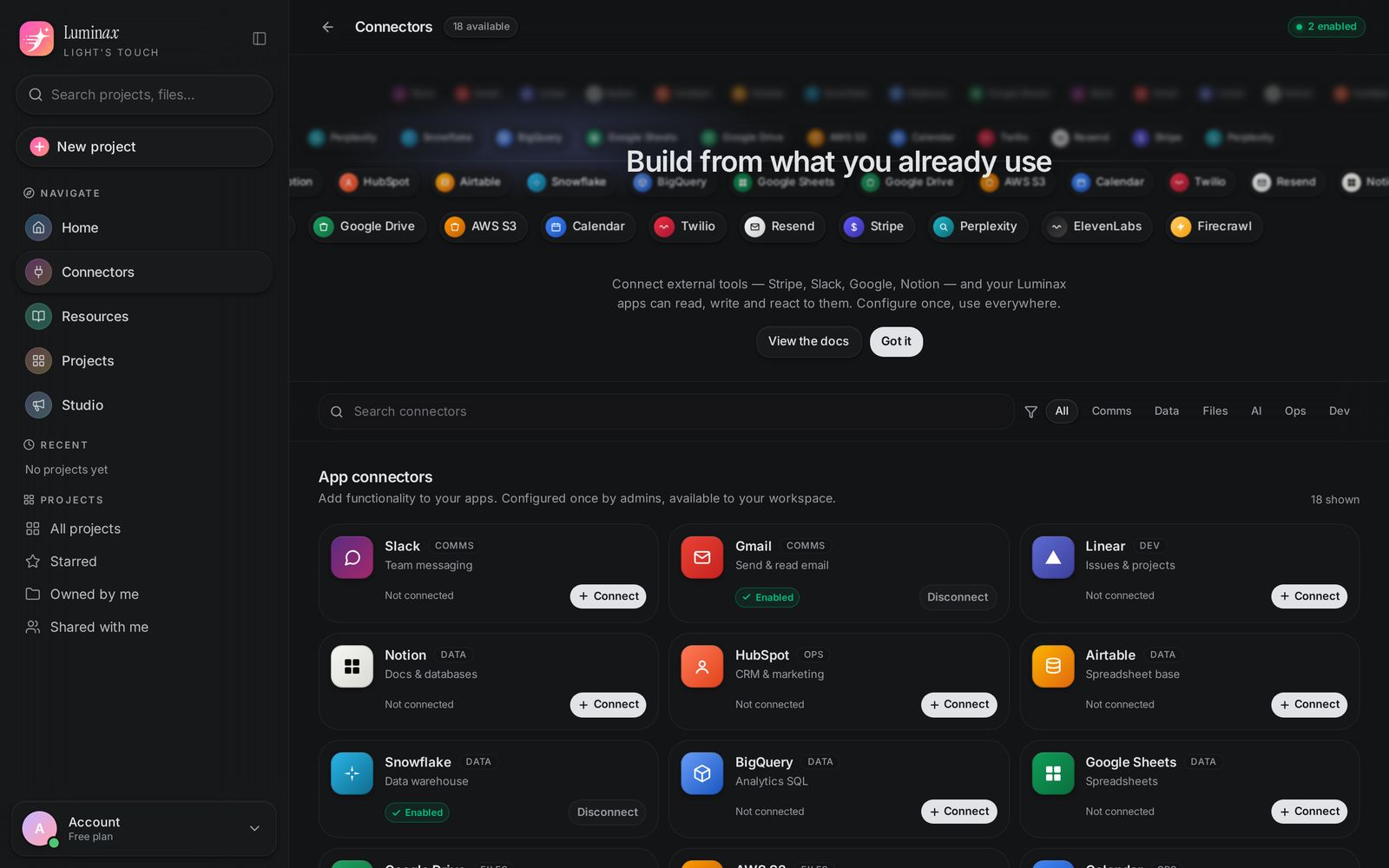
Anything you build can use AI immediately: frontier families (Claude, Gemini, GPT, Grok) plus strong open-weight models (DeepSeek, GLM, Kimi), and far past text — transcription, natural voices, audio understanding, music, images and embeddings. Describe the behaviour; the right model is chosen, the credentials stay server-side, and the cost shows up per message in credits.
Mobile — and the store pipeline behind it
Ask for an app instead of a site and the project changes shape: thumb-first layouts, native gestures, offline behaviour, push, camera and location. Install it on your own phone from a QR code, then run the release path — icons, store screenshots, listing copy, signed builds, submission and updates — from the same project as your website.
Agent tools
The agent does not only write files. It reads them, searches the codebase, runs commands, generates images, drives a real browser, studies live pages, and inspects its own preview. Each of those is a tool call you can open and audit.
Publishing and domains
Server-rendered output, real HTML per page, correct metadata, sitemaps, and your own domain. The published site is a normal, indexable website — not an app shell that renders empty for a crawler.
Your code stays yours
Every project is a real repository. Push it to GitHub, clone it, run it locally, hand it to a contractor, or leave. Nothing about the output requires Luminax to keep existing.
Still wondering something?
The assistant answers from these pages only.